
Listings
Add a listing
Every field in the property editor, in the order you fill it in.
Go to Properties → Add New. The editor is grouped into a few panels: the WordPress title and description, Listing setup, the tabbed Listing details panel, Photos & gallery, Features, and the sidebar.
Listing details is powered by Advanced Custom Fields. If that panel is missing, ACF is not active — see Requirements.
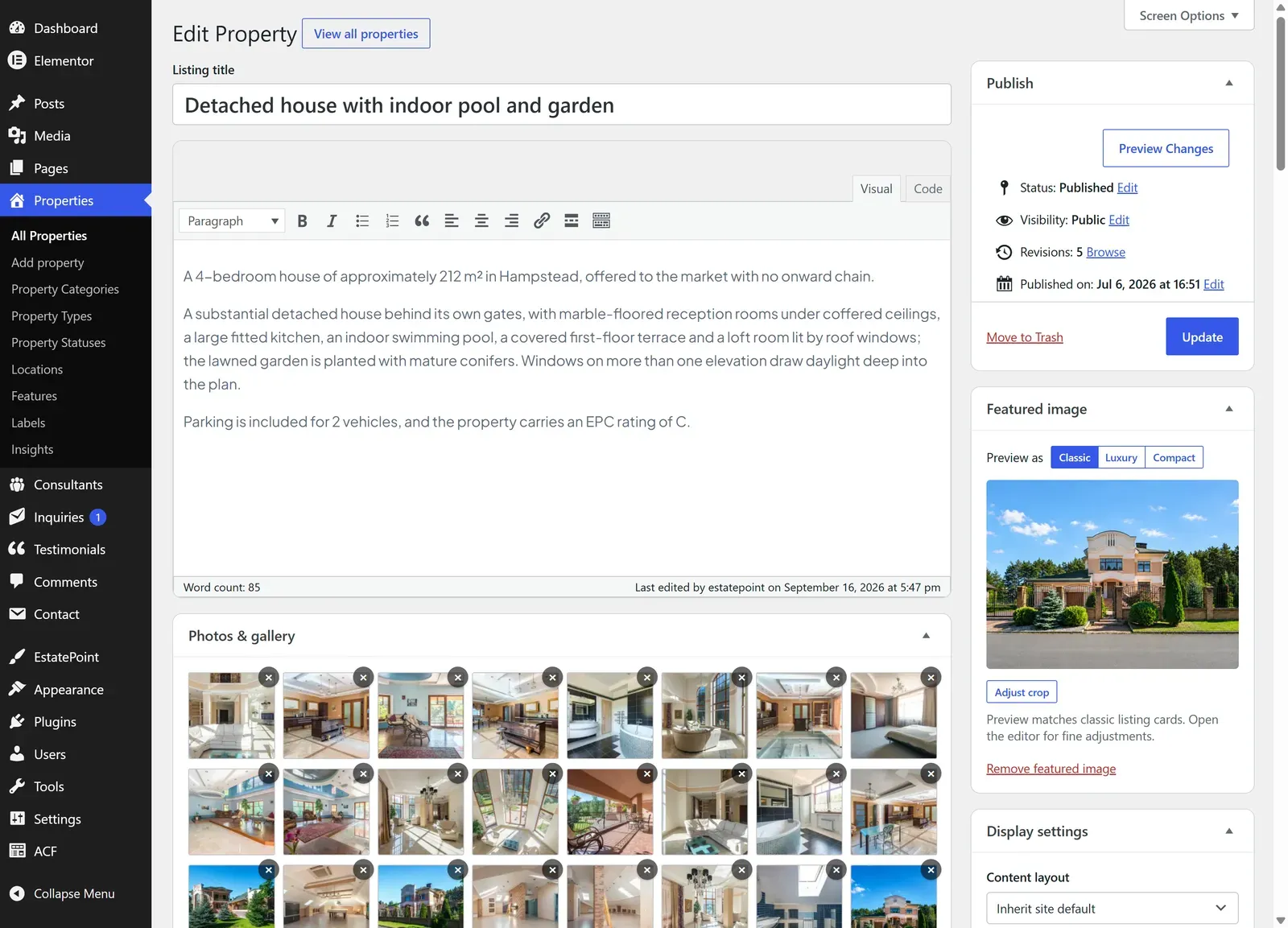
1. Title and description
The title is the listing name shown on cards, the listing page, and search results. The description is the long copy visitors read on the listing page.
2. Listing setup
| Field | Notes |
|---|---|
| Property category | Residential, Commercial, or Land. Choose this first — the fields below adapt to it |
| Property type | Apartment, Villa, Office, Land plot… filtered by the category you picked |
3. Listing details → Reference, pricing & size
| Field | Applies to | Notes |
|---|---|---|
| Reference / MLS ID | All | Your internal reference |
| Price | All | Numbers only |
| Currency | All | From the site’s active currency list |
| Price on request | All | Hides the number and shows Price on request instead |
| Bedrooms | Residential | Also a browse filter |
| Bathrooms | Residential | Half steps allowed |
| Floors | Residential, Commercial | |
| Year built | Residential, Commercial | |
| Interior area (m²) | Residential, Commercial | |
| Lot size (m²) | All | Reads Plot area (m²) on land listings |
| Zoning | Land | |
| Road access | Land | |
| Parking spaces | Residential, Commercial | |
| Furnished | Residential | Browse filter |
| Pets allowed | Residential | Browse filter |
| Residential details | Residential | Garden area (m²), Balcony / terrace |
| Commercial details | Commercial | Ceiling height (m), Loading docks, Floor load, Guest rooms, Ensuite rooms |
Leave anything that does not apply empty — blank fields are skipped on the front end rather than printed as zero.
4. Listing details → Address & map
| Field | Notes |
|---|---|
| Street address | Street line shown on the listing page |
| Postal code | |
| Map picker | Search for a place, then drag the marker to the exact spot. Clear map pin removes it |
| Nearby places | Optional points of interest — label, count, distance, icon |
City, region, and country are filled from the Location taxonomy in the sidebar, so you set them once as a browsable term rather than as free text.
A listing without map coordinates still appears in the grid and rows views, but not on the map. Drop the pin for every listing you want on the map.
5. Listing details → Video, plans & tour
| Field | Applies to |
|---|---|
| Video URL | All — YouTube, Vimeo, or a direct file |
| Virtual tour URL | All — 3D tour embed |
| Floor plans | Residential, Commercial — image rows with floor name, size, bedrooms, bathrooms |
6. Listing details → Consultant & marketing
| Field | Notes |
|---|---|
| Assigned consultant | The consultant profile shown on the listing and used for inquiry routing |
| Open house | Turn on, then set Date, Start, End |
| Energy rating | A+ to G |
| Performance index | e.g. kWh/m²/year |
| Energy score | Optional 0–100 |
| EPC / certificate reference | |
| Tenure | Freehold, Leasehold, or Other |
| Homepage listings | Pins the listing into homepage grids — see Featured Content |
| Listing expiry | Optional date; the listing moves to draft automatically afterwards |
| Listing documents | Up to eight PDFs or documents, each with a Link label |
7. Photos & gallery
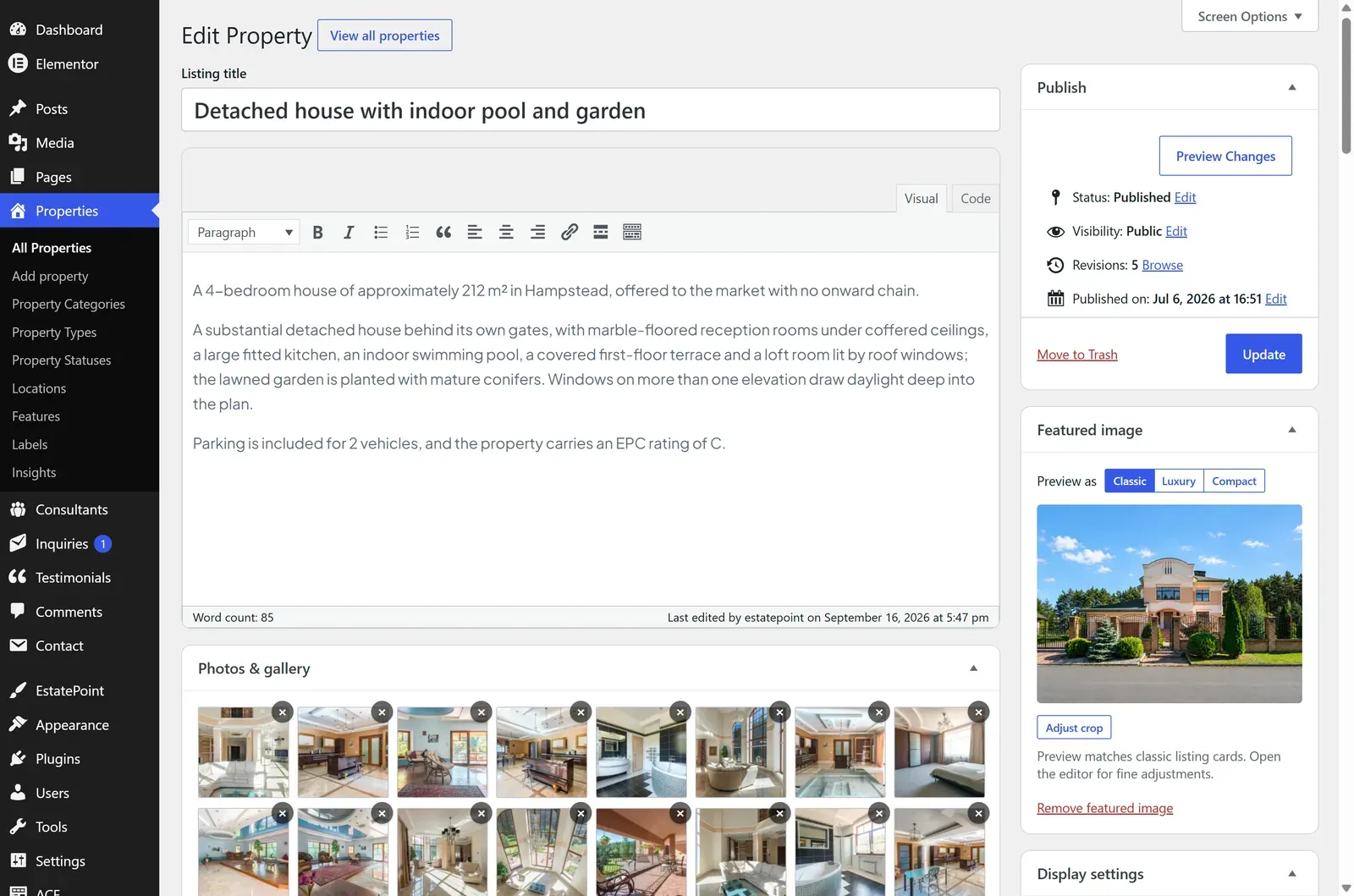
Press Manage Gallery to add, remove, and drag-reorder photos. The gallery is separate from the featured image.
The Featured image in the sidebar is the card thumbnail across archives, grids, and search results — set it even when the gallery is full. Listing card crop picks the focal point so a tall photo does not crop the roofline off in a wide card.
8. Features
Amenity chips filtered by the listing’s category — a land plot offers utilities, an apartment offers balconies and elevators. Selected features appear in the amenities block and drive the Features filter on the archive.
9. Sidebar
| Box | Notes |
|---|---|
| Location | Search and pick one location branch (country → city → district). Required for location filtering |
| Property Statuses | For sale or For rent |
| Labels | Marketing badges — New listing, Featured, Price reduced, Open house |
| Featured image | Card thumbnail |
10. Publish
Press Publish. The listing appears on /properties/, in matching taxonomy archives, on the map if it has coordinates, and in homepage grids if pinned.
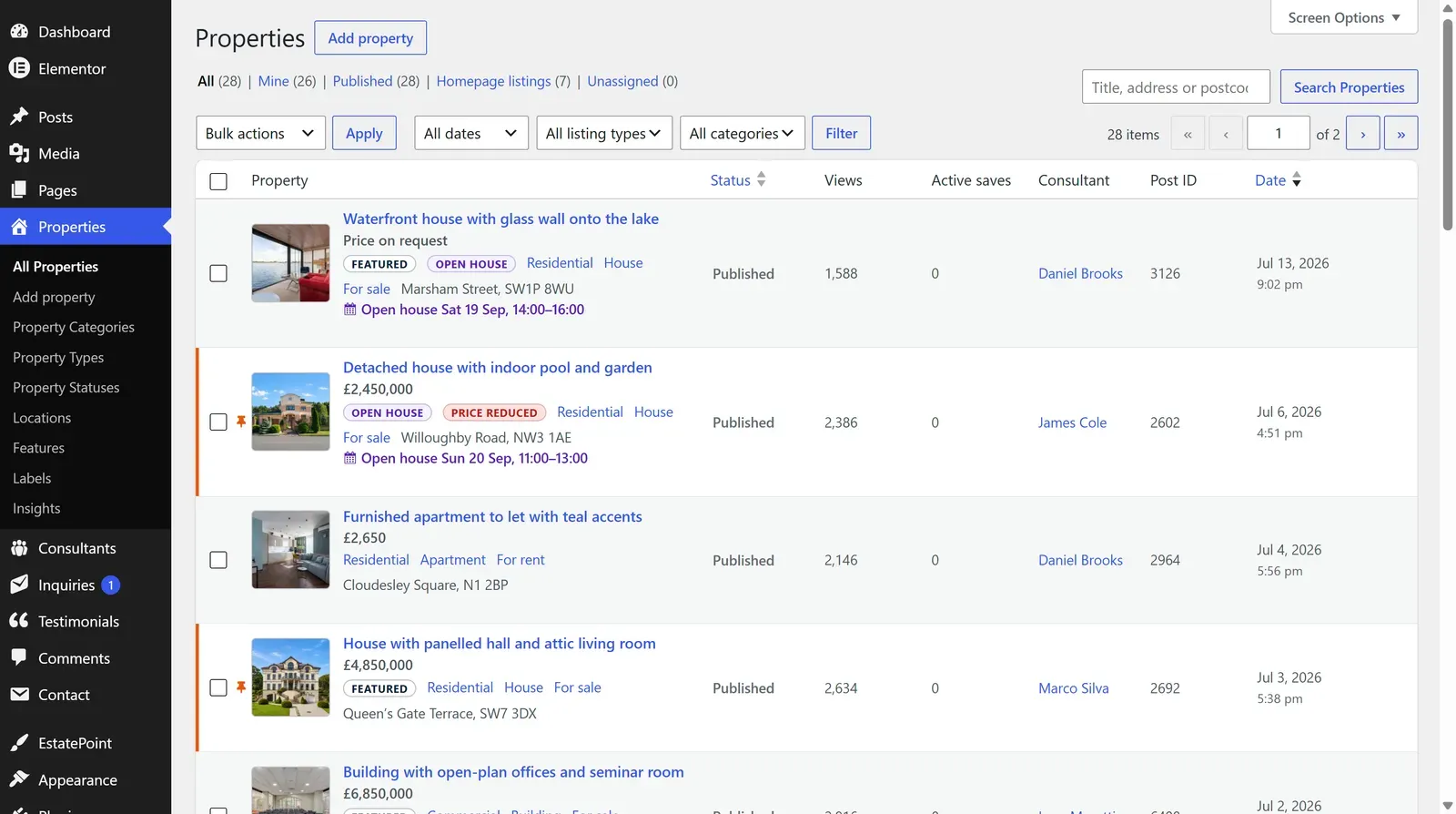
It also joins Properties → All Properties, where the counters across the top track what is published, pinned to the homepage, unassigned, or past its expiry date.
The fields people forget
Category, type, status, and location. They are the four things browse filters read, so a listing missing them is published but hard to find. Coordinates are the fifth — without them the listing never appears on the map.